

Trade crypto like a pro on TradingView with your Bitget account
Why trade on TradingView with Bitget?



Why trade on TradingView with Bitget?
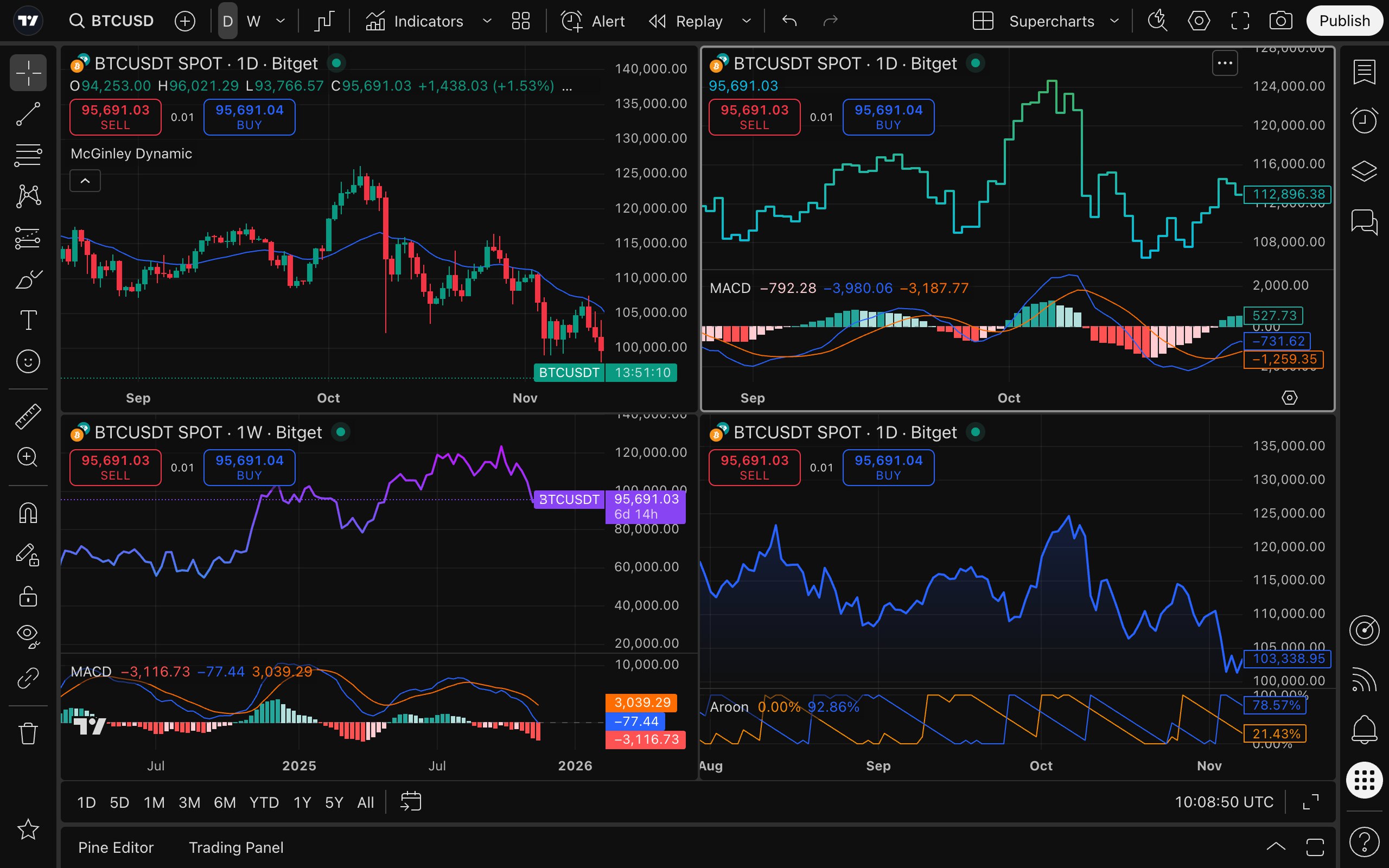
Powerful analytical suite

Access 20+ interactive chart types, 400+ built-in indicators, asset screeners with 100+ technical and descriptive filters, plus real-time news and financial reports.
Unmissable alerts
Stay ahead of market moves with 13 customizable alert conditions on price, indicators, and strategies—delivered instantly across all your devices.
Custom strategies and backtesting
Global trading community
Join a community of over 100 million traders to chat, learn, and share. Follow top investors, publish ideas, explore 100,000+ community-built strategies, and never trade alone again.

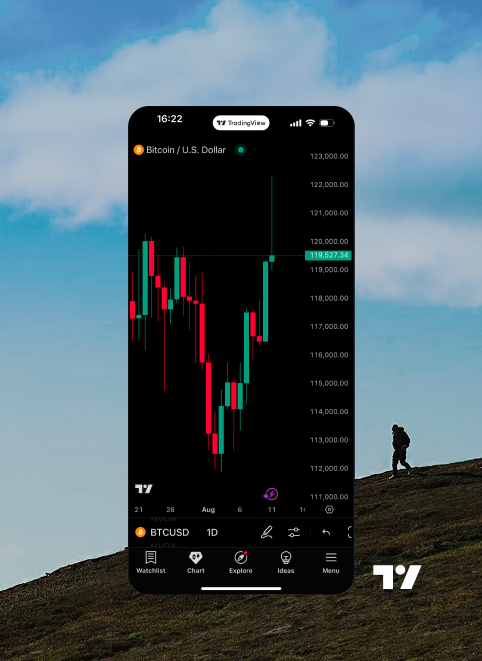
Enhance your experience with the powerful desktop app or trade on the go with the mobile app.



Sign up with Bitget and create a free TradingView account.
Connect the accounts by entering your Bitget credentials.
Find Bitget on TradingView in the trading panel or broker list.
Place trades directly on TradingView Supercharts using your Bitget account.

FAQ
Go to tradingview.com, click the member icon in the top right-hand corner, and then hit the "Sign In" button, choosing your preferred verification method. Don't forget to explore the community, news, and market screeners.
TradingView is compatible with all modern browsers and also offers desktop and mobile apps, which you can download from the official website.
You can use the Paper Trading feature, which allows you to execute simulated trades without risking real money. To start using Paper Trading, open a chart, then open the Trading Panel and select Paper Trading. Please note that simulated trades do not reflect real-world execution speed or order behavior on an integrated account.
There are several ways to learn more—you can explore TradingView's Help Center, submit support tickets, or inquire with your broker for assistance. TradingView also offers a wide range of tutorials on its official YouTube channel.
How much does it cost?
Integration is free for our clients; only standard brokerage fees and commissions apply. You can also purchase one of TradingView's Premium plans for advanced traders.